Repairing the installation
Maintenance covers uninstalling, modifying, or repairing the installed programs.
How to start repair
Maintenance can be started in one of two ways:
- Use the original installation media.
- Use Modify or Repair from Apps & features or Programs and Features in Windows Control Panel.
After a Welcome dialog, the Program Maintenance dialog appears.
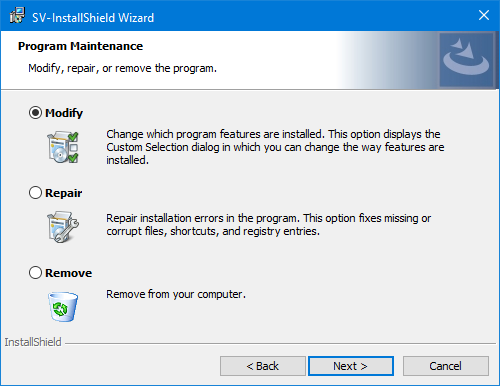
Repair process
important
Back up project and library data before running repair.
- Select Repair.
- Follow the sequence of dialogs to carry out the process.
Repair checks installed features and reinstalls any that are damaged.