Installing the Web Deployment Tools
PcVue Web Deployment Tools are required on the computer that has the role of web server, where the IIS web server is installed. Depending on the chosen architecture, this can be on the same or different computer to PcVue itself. The main component of the Web Deployment Tools is the Web Deployment Console.
Install and configure IIS before you run the Web Deployment Tools installer.
Installing prerequisites
When you start either the PcVue installation or the Web Deployment Tools installation, the wizard first checks for prerequisites and installs any missing components.
Installation process
A wizard guides you through the installation process and prompts for information where necessary. At each step, after you configure any options, click OK or Next to proceed. If you click Cancel at any time, the installation stops.
Installation steps
-
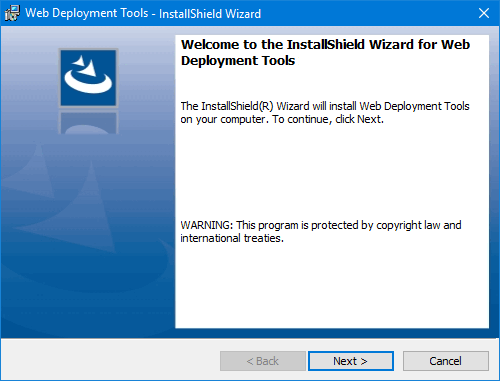
Welcome to the InstallShield Wizard - This is the first step of the installation itself. Click Next to continue.
-
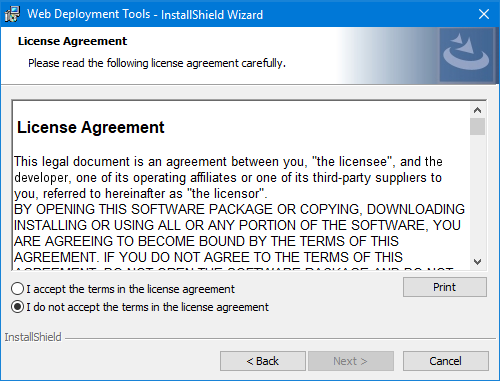
License Agreement - Before you can continue with the installation you should read the License Agreement and select "I accept..." or "I do not accept..." as appropriate. Click Next to continue only if you accept the agreement.
-
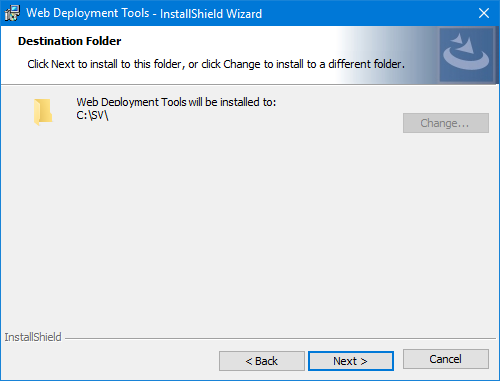
Destination Folder - The wizard suggests a destination folder for the installation. To install the software elsewhere, use Change and select another path.
-
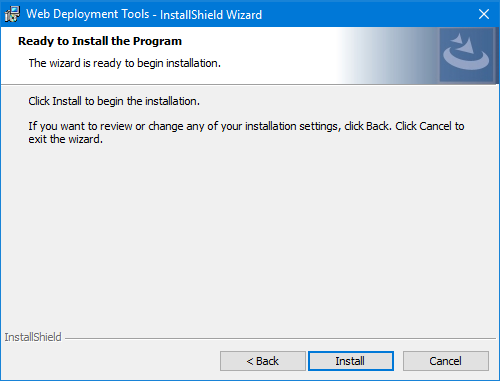
Ready to Install the Program - Click Install to proceed with the installation.
-
Installing Status - A progress bar shows progress for each component, and then a dialog confirms that the installation is complete. Click Finish.